| 1 | # create-bhvr 🦫 |
| 2 | |
| 3 | 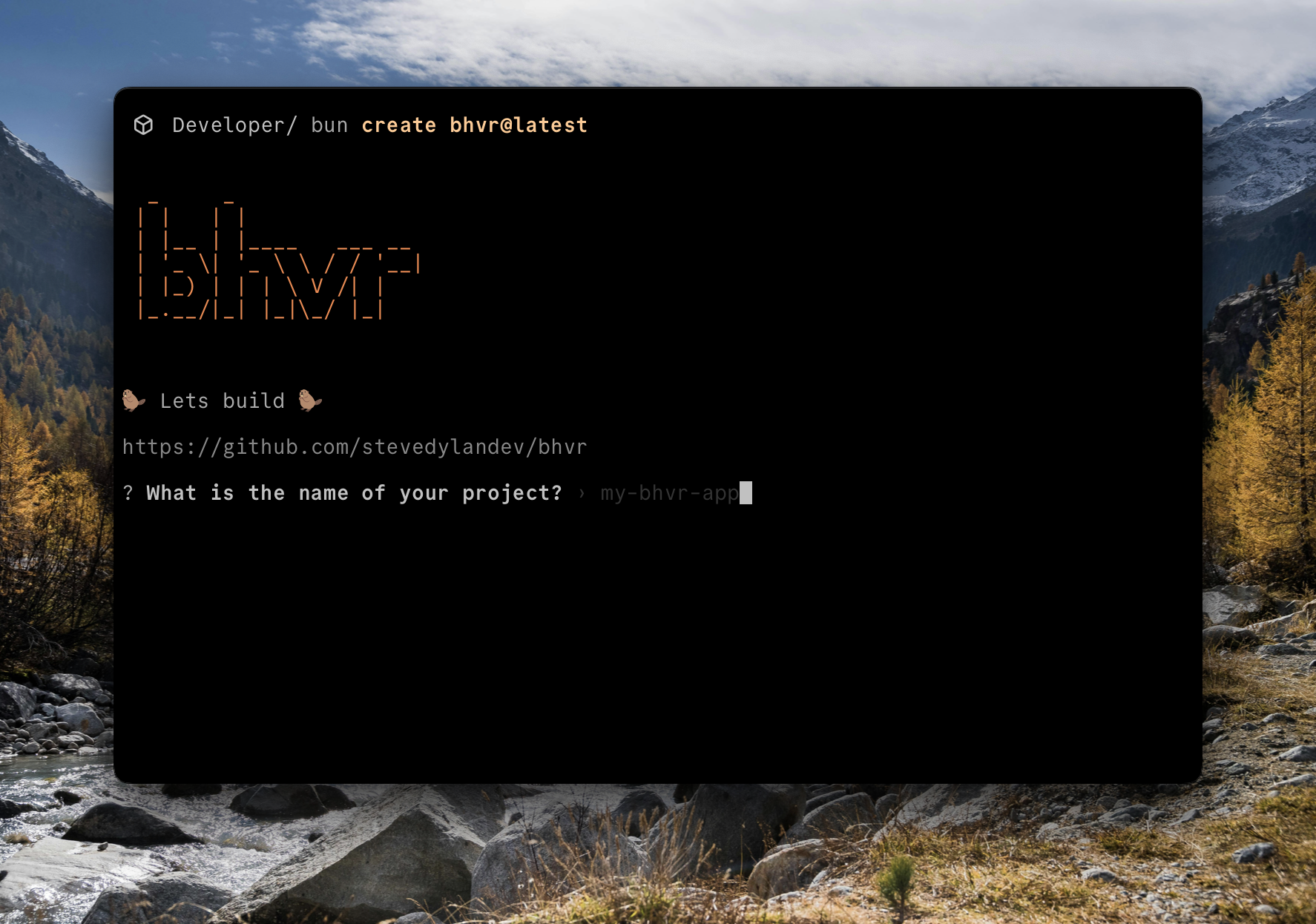 |
| 4 | |
| 5 | [](https://github.com/stevedylandev/create-bhvr/blob/main/LICENSE) |
| 6 |  |
| 7 | |
| 8 | A command-line interface (CLI) to quickly scaffold a new `bhvr` project. `bhvr` is a full-stack TypeScript monorepo starter with shared types, using Bun, Hono, Vite, and React. |
| 9 | |
| 10 | ## Getting Started |
| 11 | |
| 12 | To create a new `bhvr` project, run any of the following commands and follow the interactive prompts: |
| 13 | |
| 14 | ```bash |
| 15 | # Using Bun |
| 16 | bun create bhvr@latest my-bhvr-app |
| 17 | ``` |
| 18 | |
| 19 | This will create a new directory called `my-bhvr-app` inside the current folder. |
| 20 | |
| 21 | > [!NOTE] |
| 22 | > Check out [bhvr.dev](https://bhvr.dev) for the full documentation! |
| 23 | |
| 24 | ## Features |
| 25 | |
| 26 | - **Interactive Setup**: A simple and fast interactive CLI to guide you through project setup. |
| 27 | - **Multiple Templates**: Choose from several templates to get started: |
| 28 | - `default`: A basic setup with Bun, Hono, Vite, and React. |
| 29 | - `tailwind`: Includes Tailwind CSS for styling. |
| 30 | - `shadcn`: Pre-configured with Tailwind CSS and shadcn/ui. |
| 31 | - **Optional RPC**: Automatically configure Hono RPC for end-to-end type-safe API communication. |
| 32 | - **TanStack Query**: Add TanStack Query for powerful data fetching and state management. |
| 33 | - **Router Options**: Choose from multiple routing solutions (React Router, TanStack Router). |
| 34 | - **Linter Choice**: Choose between ESLint (default) or Biome for code linting and formatting. |
| 35 | - **Automated Setup**: Handles `git` initialization and dependency installation for you. |
| 36 | |
| 37 | ## Command-Line Options |
| 38 | |
| 39 | You can also use command-line options to skip the interactive prompts: |
| 40 | |
| 41 | | Option | Description | Default | |
| 42 | | ----------------------- | ------------------------------------------------------------ | --------- | |
| 43 | | `[project-directory]` | The name of the directory to create the project in. | - | |
| 44 | | `-y, --yes` | Skip all confirmation prompts and use default values. | `false` | |
| 45 | | `--template <template>` | Specify a template (`default`, `tailwind`, `shadcn`). | `default` | |
| 46 | | `--rpc` | Use Hono RPC for type-safe API communication. | `false` | |
| 47 | | `--tsquery` | Use TanStack Query for data fetching and state management. | `false` | |
| 48 | | `--router <router>` | Specify a client router (`none`, `reactrouter`, `tanstackrouter`). | `none` | |
| 49 | | `--linter <linter>` | Specify the linter to use (`eslint` or `biome`). | `eslint` | |
| 50 | |
| 51 | |
| 52 | ## Development |
| 53 | |
| 54 | Make sure [bun](https://bun.sh) is installed and up to date |
| 55 | |
| 56 | ```bash |
| 57 | bun --version |
| 58 | bun upgrade |
| 59 | ``` |
| 60 | |
| 61 | Clone the repo, install dependencies, and build |
| 62 | |
| 63 | ```bash |
| 64 | git clone https://github.com/stevedylandev/create-bhvr |
| 65 | cd create-bhvr |
| 66 | bun install |
| 67 | bun run build |
| 68 | ``` |
| 69 | |
| 70 | After making changes you can test the CLI locally by running `bun` against the build folder |
| 71 | |
| 72 | ```bash |
| 73 | bun dist |
| 74 | ``` |
| 75 | |
| 76 | Alternatively you can use `bun link` and use it as a local executable |
| 77 | |
| 78 | ```bash |
| 79 | bun link |
| 80 | create-bhvr |
| 81 | ``` |
| 82 | |
| 83 | ## Contributing |
| 84 | |
| 85 | We welcome contributions from the community! Whether it's reporting a bug, suggesting a new feature, or submitting a pull request, your help is appreciated. |
| 86 | |
| 87 | Please read our [**CONTRIBUTING.md**](CONTRIBUTING.md) for detailed guidelines on how to get started. |
| 88 | |
| 89 | ## Links |
| 90 | |
| 91 | - [License (MIT)](LICENSE) |
| 92 | - [Contributing](CONTRIBUTING.md) |
| 93 | - [Docs](https://bhvr.dev) |