| 1 | # bhvr 🦫 |
| 2 | |
| 3 | 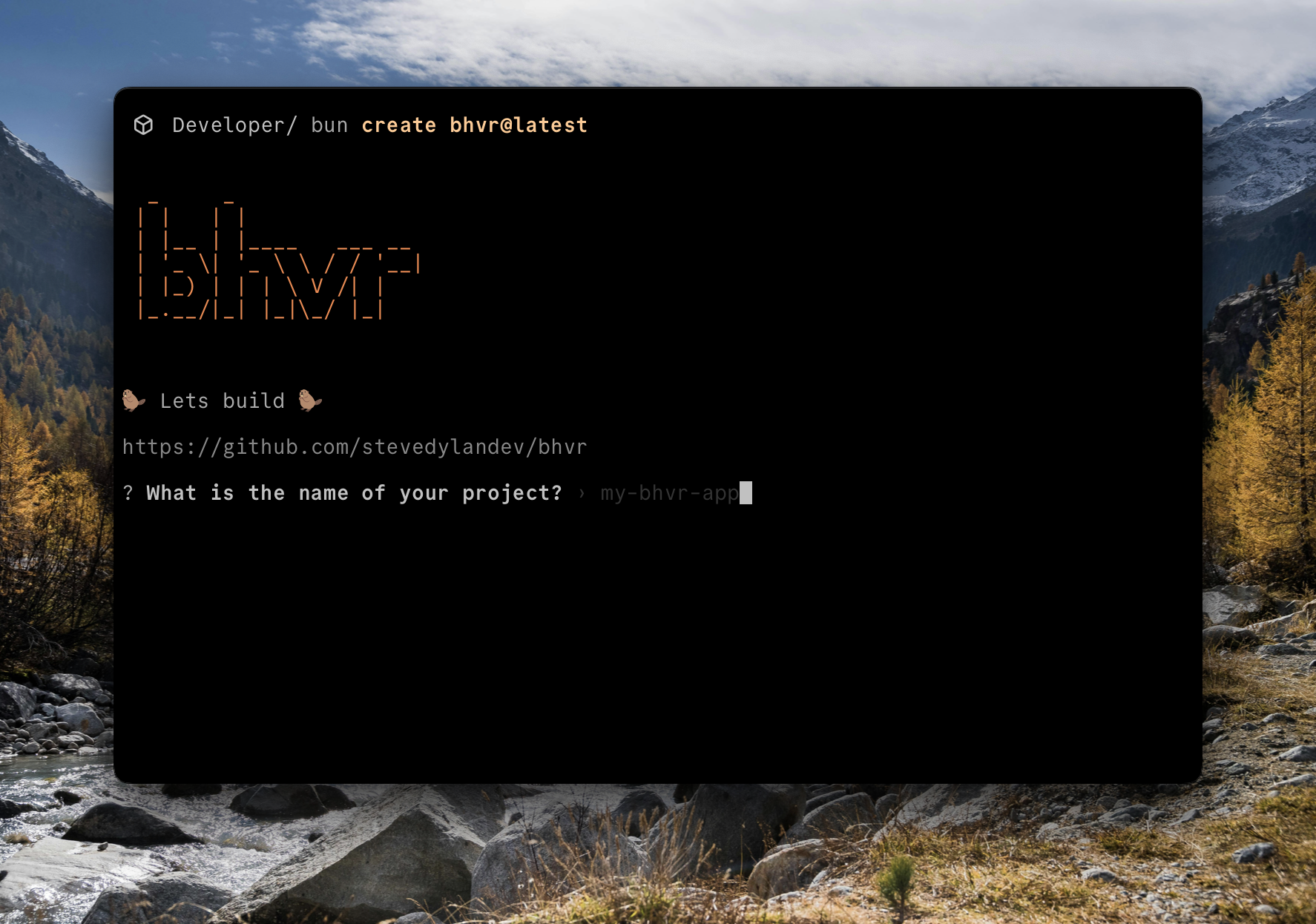 |
| 4 | |
| 5 | A full-stack TypeScript monorepo starter with shared types, using Bun, Hono, Vite, and React. |
| 6 | |
| 7 | ## Why bhvr? |
| 8 | |
| 9 | While there are plenty of existing app building stacks out there, many of them are either bloated, outdated, or have too much of a vendor lock-in. bhvr is built with the opinion that you should be able to deploy your client or server in any environment while also keeping type safety. |
| 10 | |
| 11 | ## Features |
| 12 | |
| 13 | - **Full-Stack TypeScript**: End-to-end type safety between client and server |
| 14 | - **Shared Types**: Common type definitions shared between client and server |
| 15 | - **Monorepo Structure**: Organized as a workspaces-based monorepo with Turbo for build orchestration |
| 16 | - **Modern Stack**: |
| 17 | - [Bun](https://bun.sh) as the JavaScript runtime and package manager |
| 18 | - [Hono](https://hono.dev) as the backend framework |
| 19 | - [Vite](https://vitejs.dev) for frontend bundling |
| 20 | - [React](https://react.dev) for the frontend UI |
| 21 | - [Turbo](https://turbo.build) for monorepo build orchestration and caching |
| 22 | |
| 23 | ## Project Structure |
| 24 | |
| 25 | ``` |
| 26 | . |
| 27 | ├── client/ # React frontend |
| 28 | ├── server/ # Hono backend |
| 29 | ├── shared/ # Shared TypeScript definitions |
| 30 | │ └── src/types/ # Type definitions used by both client and server |
| 31 | ├── package.json # Root package.json with workspaces |
| 32 | └── turbo.json # Turbo configuration for build orchestration |
| 33 | ``` |
| 34 | |
| 35 | ### Server |
| 36 | |
| 37 | bhvr uses Hono as a backend API for its simplicity and massive ecosystem of plugins. If you have ever used Express then it might feel familiar. Declaring routes and returning data is easy. |
| 38 | |
| 39 | ``` |
| 40 | server |
| 41 | ├── bun.lock |
| 42 | ├── package.json |
| 43 | ├── README.md |
| 44 | ├── src |
| 45 | │ └── index.ts |
| 46 | └── tsconfig.json |
| 47 | ``` |
| 48 | |
| 49 | ```typescript src/index.ts |
| 50 | import { Hono } from 'hono' |
| 51 | import { cors } from 'hono/cors' |
| 52 | import type { ApiResponse } from 'shared' |
| 53 | |
| 54 | const app = new Hono() |
| 55 | |
| 56 | app.use(cors()) |
| 57 | |
| 58 | app.get('/', (c) => { |
| 59 | return c.text('Hello Hono!') |
| 60 | }) |
| 61 | |
| 62 | app.get('/hello', async (c) => { |
| 63 | |
| 64 | const data: ApiResponse = { |
| 65 | message: "Hello BHVR!", |
| 66 | success: true |
| 67 | } |
| 68 | |
| 69 | return c.json(data, { status: 200 }) |
| 70 | }) |
| 71 | |
| 72 | export default app |
| 73 | ``` |
| 74 | |
| 75 | If you wanted to add a database to Hono you can do so with a multitude of Typescript libraries like [Supabase](https://supabase.com), or ORMs like [Drizzle](https://orm.drizzle.team/docs/get-started) or [Prisma](https://www.prisma.io/orm) |
| 76 | |
| 77 | ### Client |
| 78 | |
| 79 | bhvr uses Vite + React Typescript template, which means you can build your frontend just as you would with any other React app. This makes it flexible to add UI components like [shadcn/ui](https://ui.shadcn.com) or routing using [React Router](https://reactrouter.com/start/declarative/installation). |
| 80 | |
| 81 | ``` |
| 82 | client |
| 83 | ├── eslint.config.js |
| 84 | ├── index.html |
| 85 | ├── package.json |
| 86 | ├── public |
| 87 | │ └── vite.svg |
| 88 | ├── README.md |
| 89 | ├── src |
| 90 | │ ├── App.css |
| 91 | │ ├── App.tsx |
| 92 | │ ├── assets |
| 93 | │ ├── index.css |
| 94 | │ ├── main.tsx |
| 95 | │ └── vite-env.d.ts |
| 96 | ├── tsconfig.app.json |
| 97 | ├── tsconfig.json |
| 98 | ├── tsconfig.node.json |
| 99 | └── vite.config.ts |
| 100 | ``` |
| 101 | |
| 102 | ```typescript src/App.tsx |
| 103 | import { useState } from 'react' |
| 104 | import beaver from './assets/beaver.svg' |
| 105 | import { ApiResponse } from 'shared' |
| 106 | import './App.css' |
| 107 | |
| 108 | const SERVER_URL = import.meta.env.VITE_SERVER_URL || "http://localhost:3000" |
| 109 | |
| 110 | function App() { |
| 111 | const [data, setData] = useState<ApiResponse | undefined>() |
| 112 | |
| 113 | async function sendRequest() { |
| 114 | try { |
| 115 | const req = await fetch(`${SERVER_URL}/hello`) |
| 116 | const res: ApiResponse = await req.json() |
| 117 | setData(res) |
| 118 | } catch (error) { |
| 119 | console.log(error) |
| 120 | } |
| 121 | } |
| 122 | |
| 123 | return ( |
| 124 | <> |
| 125 | <div> |
| 126 | <a href="https://github.com/stevedylandev/bhvr" target="_blank"> |
| 127 | <img src={beaver} className="logo" alt="beaver logo" /> |
| 128 | </a> |
| 129 | </div> |
| 130 | <h1>bhvr</h1> |
| 131 | <h2>Bun + Hono + Vite + React</h2> |
| 132 | <p>A typesafe fullstack monorepo</p> |
| 133 | <div className="card"> |
| 134 | <button onClick={sendRequest}> |
| 135 | Call API |
| 136 | </button> |
| 137 | {data && ( |
| 138 | <pre className='response'> |
| 139 | <code> |
| 140 | Message: {data.message} <br /> |
| 141 | Success: {data.success.toString()} |
| 142 | </code> |
| 143 | </pre> |
| 144 | )} |
| 145 | </div> |
| 146 | <p className="read-the-docs"> |
| 147 | Click the beaver to learn more |
| 148 | </p> |
| 149 | </> |
| 150 | ) |
| 151 | } |
| 152 | |
| 153 | export default App |
| 154 | ``` |
| 155 | |
| 156 | ### Shared |
| 157 | |
| 158 | The Shared package is used for anything you want to share between the Server and Client. This could be types or libraries that you use in both environments. |
| 159 | |
| 160 | ``` |
| 161 | shared |
| 162 | ├── package.json |
| 163 | ├── src |
| 164 | │ ├── index.ts |
| 165 | │ └── types |
| 166 | │ └── index.ts |
| 167 | └── tsconfig.json |
| 168 | ``` |
| 169 | |
| 170 | Inside the `src/index.ts` we export any of our code from the folders so it's usable in other parts of the monorepo |
| 171 | |
| 172 | ```typescript |
| 173 | export * from "./types" |
| 174 | ``` |
| 175 | |
| 176 | By running `bun run dev` or `bun run build` it will compile and export the packages from `shared` so it can be used in either `client` or `server` |
| 177 | |
| 178 | ```typescript |
| 179 | import { ApiResponse } from 'shared' |
| 180 | ``` |
| 181 | |
| 182 | ## Getting Started |
| 183 | |
| 184 | ### Quick Start |
| 185 | |
| 186 | You can start a new bhvr project using the [CLI](https://github.com/stevedylandev/create-bhvr) |
| 187 | |
| 188 | ```bash |
| 189 | bun create bhvr |
| 190 | ``` |
| 191 | |
| 192 | ### Installation |
| 193 | |
| 194 | ```bash |
| 195 | # Install dependencies for all workspaces |
| 196 | bun install |
| 197 | ``` |
| 198 | |
| 199 | ### Development |
| 200 | |
| 201 | ```bash |
| 202 | # Run all workspaces in development mode with Turbo |
| 203 | bun run dev |
| 204 | |
| 205 | # Or run individual workspaces directly |
| 206 | bun run dev:client # Run the Vite dev server for React |
| 207 | bun run dev:server # Run the Hono backend |
| 208 | ``` |
| 209 | |
| 210 | ### Building |
| 211 | |
| 212 | ```bash |
| 213 | # Build all workspaces with Turbo |
| 214 | bun run build |
| 215 | |
| 216 | # Or build individual workspaces directly |
| 217 | bun run build:client # Build the React frontend |
| 218 | bun run build:server # Build the Hono backend |
| 219 | ``` |
| 220 | |
| 221 | ### Additional Commands |
| 222 | |
| 223 | ```bash |
| 224 | # Lint all workspaces |
| 225 | bun run lint |
| 226 | |
| 227 | # Type check all workspaces |
| 228 | bun run type-check |
| 229 | |
| 230 | # Run tests across all workspaces |
| 231 | bun run test |
| 232 | ``` |
| 233 | |
| 234 | ### Deployment |
| 235 | |
| 236 | Deplying each piece is very versatile and can be done numerous ways, and exploration into automating these will happen at a later date. Here are some references in the meantime. |
| 237 | |
| 238 | **Client** |
| 239 | - [Orbiter](https://orbiter.host) |
| 240 | - [GitHub Pages](https://vite.dev/guide/static-deploy.html#github-pages) |
| 241 | - [Netlify](https://vite.dev/guide/static-deploy.html#netlify) |
| 242 | - [Cloudflare Pages](https://vite.dev/guide/static-deploy.html#cloudflare-pages) |
| 243 | |
| 244 | **Server** |
| 245 | - [Cloudflare Worker](https://gist.github.com/stevedylandev/4aa1fc569bcba46b7169193c0498d0b3) |
| 246 | - [Bun](https://hono.dev/docs/getting-started/bun) |
| 247 | - [Node.js](https://hono.dev/docs/getting-started/nodejs) |
| 248 | |
| 249 | ## Type Sharing |
| 250 | |
| 251 | Types are automatically shared between the client and server thanks to the shared package and TypeScript path aliases. You can import them in your code using: |
| 252 | |
| 253 | ```typescript |
| 254 | import { ApiResponse } from 'shared/types'; |
| 255 | ``` |
| 256 | |
| 257 | ## Learn More |
| 258 | |
| 259 | - [Bun Documentation](https://bun.sh/docs) |
| 260 | - [Vite Documentation](https://vitejs.dev/guide/) |
| 261 | - [React Documentation](https://react.dev/learn) |
| 262 | - [Hono Documentation](https://hono.dev/docs) |
| 263 | - [Turbo Documentation](https://turbo.build/docs) |
| 264 | - [TypeScript Documentation](https://www.typescriptlang.org/docs/) |